How to Use Gemini AI for Create YouTube Thumbnails
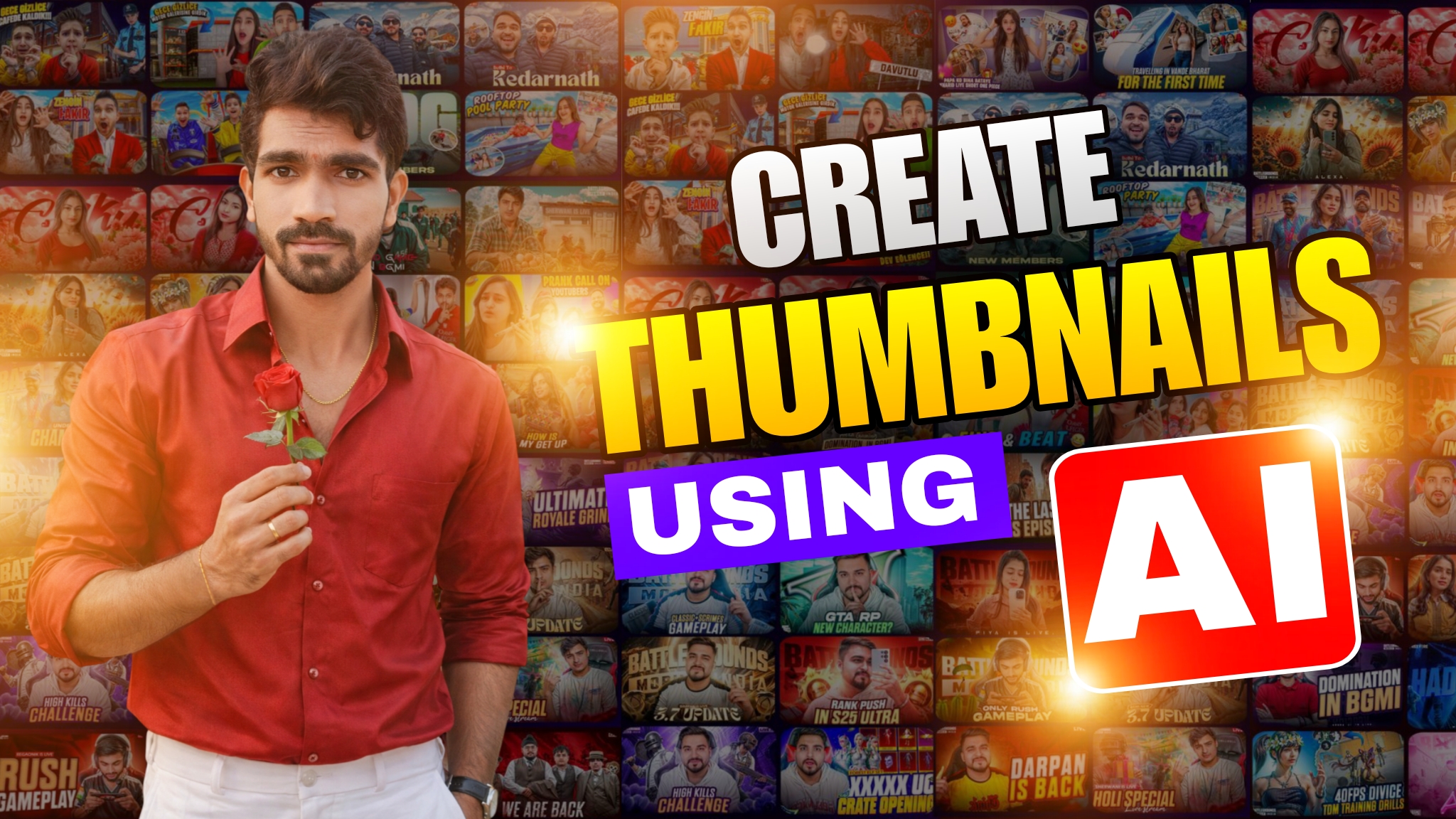
Making attractive thumbnails on YouTube is among the most crucial things if a YouTube channel wants to grow. A thumbnail is the factor that convinces a user whether or not to click on a particular video. Even the best content won’t work if the thumbnail on YouTube doesn’t deliver the message in a split second. Since Google Gemini AI was introduced, content developers could easily plan and design or optimize YouTube thumbnails smartly and fast without exclusively relying on a graphic designer.
This tutorial covers using Gemini AI for YouTube thumbnails with functionality, ethics, and in a way that’s safe with AdSense. This is written for both a basic and advanced creator who is seeking to increase click-through rates and have consistent branding.
The Significance of YouTube Thumbnails in the Expansion of Your Channel
The level of competition on YouTube is extremely high, with videos being uploaded every minute into thousands of channels on the platform. The initial visual exposure when your video appears in search results or suggestions will be the thumbnail. Most viewers will decide within seconds whether to click or scroll past. A good thumbnail raises click-through rate, signaling the algorithm of YouTube that your content matters. As it usually goes, the better the click-through rate, the better the ranking, the more impressions, and traffic on a long-term basis. All this makes optimization of thumbnails no less important than the video content itself.
What is Gemini AI and How it Assists Creators
Gemini AI is an advanced, next-generation Google artificial intelligence platform for understanding text, images, and creative intent. Unlike mere tools, Gemini AI specializes in reasoning and the generation of ideas rather than just automation. For YouTube creators, Gemini AI has to be a creative assistant by helping them with planning, psychology, and visual clarity. Gemini AI does not directly replace design tools like Canva or Photoshop but instead supports creators with ideas, structure, text suggestions, and visual strategies that improve thumbnail effectiveness.
Understanding Thumbnail Psychology Before Using Gemini AI
First, let me explain why thumbnails work in advance of using Gemini AI. The most popular ones are those with a core emotion: usually of surprise, curiosity, excitement, fear, or urgency. Viewers will more likely click when the thumbnail elicits an emotional response without telling everything. Gemini AI works best whenever the creator already knows what the video is for and who its intended audience is. When you clearly communicate the goal of your video, Gemini AI can suggest a thumbnail idea based on viewer behavior.
How to Plan YouTube Thumbnails Using Gemini AI
Planning should be the backbone of creating thumbnails. Upon opening Gemini AI, one should accurately describe the topic of his video, the niche involved, and the target audience. This will allow the AI to create suggestions that look more realistic instead of giving generic thumbnail ideas. For example, a gaming video thumbnail will significantly differ based on finance or an educational context. Gemini AI finds the context and searches for concepts like facial expression, environment mood, object position, and emotions. This preparation phase at the outset saves much time and eliminates the need for multiple redesigns.
Using Gemini AI to Generate High CTR Thumbnail Text
Among the most important things in a YouTube video is a thumbnail. The writing in a thumbnail has to be brief, bold, and emotive. Long sentences reduce readability and more often than not work less well on mobile devices. Gemini AI helps in generating short thumbnail text complementing the video title and not merely repeating the title. It really knows how to use patterns in language that will stimulate curiosity and urgency but stay honest, also friendly to AdSense. This ensures viewers are attracted but not misled upon tapping the video.
Choosing Colours and Visual Contrast with Gemini AI
Color is also a very key aspect that plays an important role in thumbnail visibility. The contrast of the thumbnails should be able to stand out against white and dark backgrounds on YouTube. Poor contrast generally results in low CTRs even if the content is good. It can also suggest effective color combinations that will fit the theme and emotion of the video. Gemini AI helps creators in choosing the background color, text color, and highlights that create visual balance, which is quite helpful for creators who have difficulty deciding on design elements.
Creating Thumbnail Image Prompts with Gemini AI
Many creators rely on generated images or stock images for thumbnails. Gemini AI assists in building very detailed image prompts that describe lighting, expressions, camera angles, and background elements. Such prompts ensure that generated images will match both the intended emotion and message. By using Gemini AI in the creation of prompts, creators circumvent any fuzziness or low-quality visuals. The effect is an image thumbnail which might appear intentional and professional-looking, and even appealing.
The Final Design of the Thumbnail with AI Guidance
After the direction is received from Gemini AI, the creators can work on the thumbnail design using any tool, including Canva, PhotoShop, or PhotoPea. This process looks for simplicity. Normally, a good thumbnail should have one subject, one emotional concept, and one message to convey. Gemini AI recommends that a clean and clutter-free design will help thumbnails viewable from the largest screen down to the smallest, including most mobile phones that are commonly used by most people accessing YouTube.
Optimizing Existing Thumbnails with Gemini AI
That is not all Gemini AI can do; it will analyze any existing thumbnails and give suggestions on how it could be improved. Take the creators who can upload older thumbnails and ask Gemini AI to provide feedback on visual clarity, emotional impact, and text effectiveness.

Post Comment